

Server API
Control your own private server from a Discord bot or a website. Plain-English guide, no coding needed to get started.
Overview
The Server API lets you control your own Westbrook County private server from a Discord bot or a website, for example to send an announcement, kick someone or see who is online.
You need:
- A Westbrook County private server with the Server API pack (Settings → Upgrade Packs).
- A server key, which works like a password for your server.
- A bot or website that can send web requests. New to this? The steps below use a free website called Hoppscotch, so you don't need to code.
Base address for everything on this page: https://westbrookcounty.co.uk/api/v1
Get your key
- In-game, open your private server's Settings.
- Scroll to Server API Pack and press Generate key.
- Your key stays in the box, so you can open this window again at any time and copy it (click it to select it all). Only the server owner can see it: co-owners cannot. Generating a new key switches the old one off immediately.
Keep it private. Anyone with the key can run commands on your server.
Your first request
Go to hoppscotch.io, fill in the request like this and press Send:
| Setting | Value |
|---|---|
| Method | GET |
| URL | https://westbrookcounty.co.uk/api/v1/server |
| Header name | server-key |
| Header value | your key |
You should see your server's name and how many players are in it. If you see "offline", wait a minute and press Send again.
Now try a command. Change the method to POST and the URL to https://westbrookcounty.co.uk/api/v1/server/command. Add a header Content-Type with value application/json. In the body put {"command": ":h Hello"} and press Send. "Hello" pops up in-game within a couple of seconds.
Server info
/serverName, owner, player count, join code and team balance.
| Field | What it is |
|---|---|
Name | Your server's name |
OwnerId, OwnerName | The owner |
CoOwnerIds | Co-owners' Roblox user ids |
CurrentPlayers, MaxPlayers | How many are in, and the limit |
JoinKey | The join code |
TeamBalance | How many players are on each team |
AgeSeconds | How old this information is, in seconds |
The server must be running, or you get 422 (offline).
Players
/server/playersEveryone in the server, up to 100 players.
| Field | What it is |
|---|---|
Name, DisplayName | Roblox username and display name |
UserId | Roblox user id |
Team | Their team |
Permission | Their permission level in your server |
The server must be running, or you get 422 (offline).
Logs
/server/logsWhat happened in your server, newest first. The last 400 entries are kept, and logs still work when the server is off.
| Address | Shows |
|---|---|
/server/logs | Everything: joins, leaves, team changes and API commands |
/server/joinlogs | Joins and leaves only |
/server/teamlogs | Team changes only |
/server/commandlogs | Commands sent through the API and how they went |
Options
Add these to the address, for example /server/logs?limit=10.
| Option | What it does |
|---|---|
limit | How many entries, from 1 to 100 (default 50) |
before | An entry Id; shows only older entries, to go back through the list |
type | Only some kinds, like type=join,leave. Choices: join, leave, team, command |
What an entry contains
Each entry has an Id, a Timestamp and a Type (Join, Leave, Team or Command). Join and leave entries show the player's Name and UserId. Command entries show the Command, whether it worked (Success) and the Result.
Run a command
/server/commandSends one command to your server. Add the header Content-Type: application/json and a body like this (up to 300 characters):
{ "command": ":h Hello everyone" }
You get back Success and a commandId. That means the command was sent, not that it has run. The game runs it within a couple of seconds, and you can see how it went in /server/commandlogs.
The server must be running, or you get 422 (offline). Limit: 10 commands per minute.
Command list
Send these as the command text. A player can be a username, a display name, the start of either, or a user id.
| Command | Effect |
|---|---|
:h <message> | Show a message to everyone (also :m, :message, :announce). Filtered by Roblox. |
:pm <player> <message> | Private message to one player. |
:kick <player> [reason] | Remove a player. The owner and co-owners can't be kicked. |
:heal <player> | Restore a player's health. |
:time <cycle|dawn|day|dusk|night> | Set the time of day. |
:weather <clear|cloudy|rain|storm|fog|dynamic> | Set the weather. |
:peacetime <off|normal|strict> | Peacetime mode. |
:priority <0-3> | How many priorities may run at once (0 turns them off). |
:set <setting> <value> | peacetime, priorityMax, priorityCooldown, wantedDecay, civilianWeapons, timeOfDay, weather, streetLamps, fuelMultiplier, damageMultiplier, nameTags. |
:help | Lists these in the command log. |
Settings changed with :time, :weather, :peacetime, :priority and :set are saved to your server, the same as the in-game settings panel.
Keeping your key safe
- Treat the key like a password: anyone who has it can run commands on your server.
- Keep it in an environment variable or secret store, never in front-end code, a public repository or a Discord message.
- If it leaks, press Generate key again in your server settings. The old key stops working immediately.
- Only let trusted staff use any bot command that sends in-game commands.
- Web pages cannot call the API directly (browsers are blocked). Call it from a bot or a website's back-end.
How fresh the data is
- Information comes from your server's last report, not live: about every 15 seconds while you are using the API, otherwise about once a minute.
- If the server has not reported for about 15 minutes, server info, players and commands answer
422(offline). Logs still return the last 400 entries. - Commands are queued, not confirmed. Roblox messaging can rarely lose a message, so resend if nothing happens.
Rate limits
20 requests per 10 seconds and 10 commands per minute, per key. Going over gives a 429 with a Retry-After header (seconds to wait).
Error codes
Errors look like {"code": 2002, "message": "Invalid server-key."}
| HTTP | Code | Meaning |
|---|---|---|
| 400 | 2003 | Bad request: the body is not JSON, command is missing or over 300 characters, or a log type is unknown |
| 401 | 2000 | No server-key header |
| 403 | 2002 | Key is wrong, or was regenerated |
| 413 | 2004 | Request body too large (over 2048 bytes) |
| 422 | 3002 | Server is offline |
| 429 | 4001 | Too many requests; wait for Retry-After |
| 500 | 5001 | The logs could not be read; try again |
| 502 | 5002 | Roblox could not be reached to send the command; try again |
| 503 | 5000 | The Server API is not available right now; try later or ask staff |
Connecting tools
Bots and dashboards (such as Melonly) that can talk to a server API usually ask for a base URL, the name of the key header, and your key.
| Setting | Value |
|---|---|
| Base URL | https://westbrookcounty.co.uk/api/v1 |
| Key header name | server-key |
| Key header value | Your server key (starts with wbk_) |
| Other headers | None for reading. For commands, also Content-Type: application/json |
- The layout and field names follow the ER:LC server API (
Name,CurrentPlayers,PlayerasName:UserId,Team,Permission), so tools built for that style are the closest fit. - There is no separate global key. Your server key is the only key you need.
- A tool can only use this API if it lets you set a custom URL. Tools hard-coded to another game's address will not connect.
- Not every tool has been tested with this API yet.
For developers
You can skip this if you only want to try the API in Hoppscotch. It is for people building a website or bot.
Connecting a website
Keep the key in an environment variable called SERVER_KEY, never in the code or the page. Your page talks to your back-end, and the back-end calls the API.
app.post("/announce", async (req, res) => {
  const r = await fetch("https://westbrookcounty.co.uk/api/v1/server/command", {
    method: "POST",
    headers: { "server-key": process.env.SERVER_KEY, "Content-Type": "application/json" },
    body: JSON.stringify({ command: ":h " + req.body.text })
  });
  res.status(r.status).json(await r.json());
});
The same approach works in PHP, Python or a Cloudflare function: send the server-key header from the server side.
Discord bots
A bot only needs to call the same endpoints with the server-key header, for example /server, /server/players and /server/command. Restrict any command that sends in-game commands to your staff role.
Maps
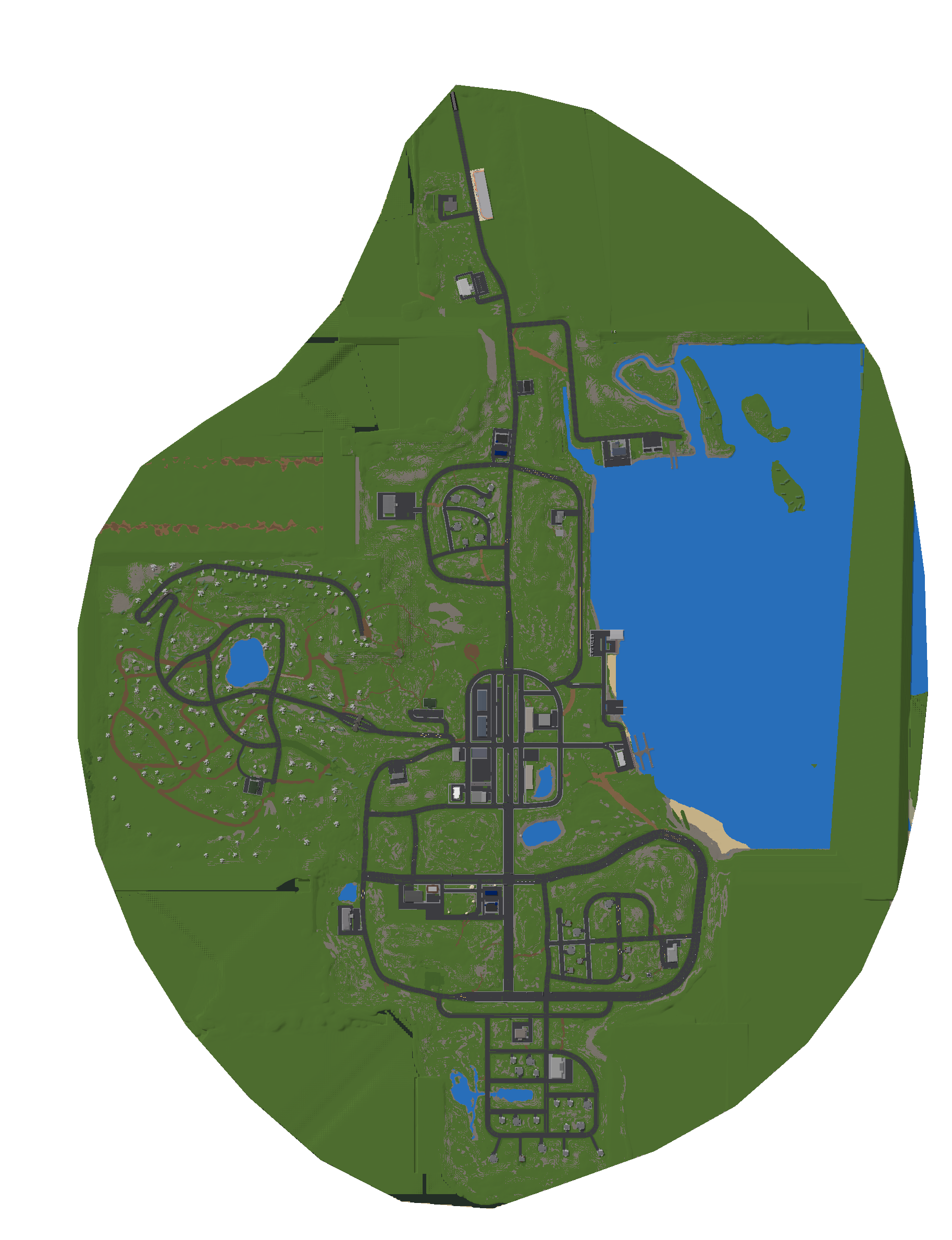
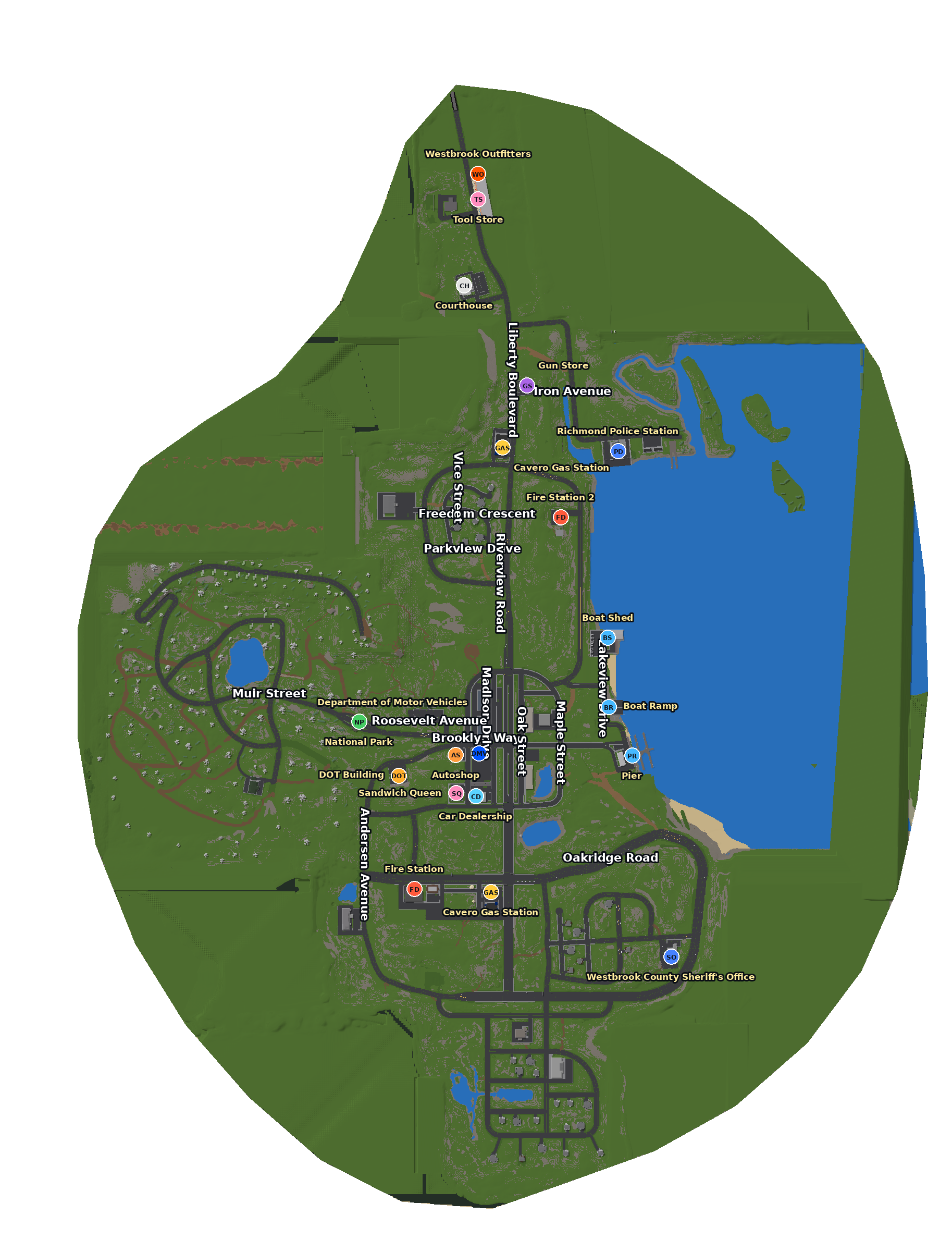
https://westbrookcounty.co.uk/api/mapsPublic: no key needed, and it can be used from any website. Gives map image links plus the image size, studs per pixel and the map edges (bounds).
Map images
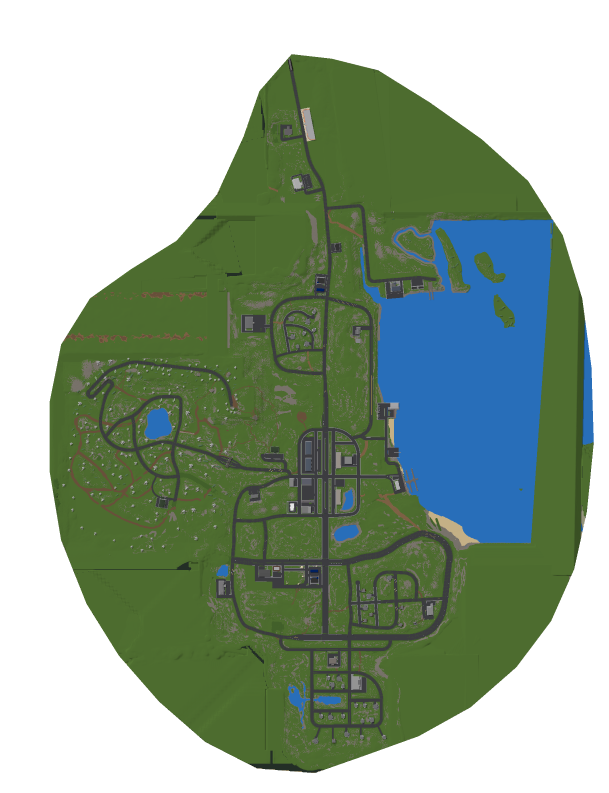
/assets/maps/westbrook_blank.png: plain map, transparent outside the island/assets/maps/westbrook_labelled.png: map with street names and places/assets/maps/westbrook_blank_small.png: smaller plain map
Marking a place on the map
To find a spot on the image, take how far across the map the position is and multiply by the image width, and do the same down the map for the height. The top of the image is the smallest z value.
Map points
https://westbrookcounty.co.uk/api/map-pointsPublic: no key needed, and it can be used from any website. Places and streets with their positions in the game world. Street label positions are approximate.
Stats and status
Public: no key needed.
| Address | What you get |
|---|---|
GET https://westbrookcounty.co.uk/api/stats | Live Roblox stats for the game |
GET https://westbrookcounty.co.uk/api/status | Website and API status |
Troubleshooting
| Symptom | Likely cause and fix |
|---|---|
422 right after generating a key | The server has not sent its first report yet. Wait up to a minute and try again. |
422 later on | The server is not running, or has not reported for about 15 minutes. Start it and retry. |
403 | Wrong key, or the key was regenerated. Generate a new one in your server settings. |
401 | The server-key header is missing. Check the header name. |
429 | Too many requests. Wait for the Retry-After seconds. |
400 on a command | The body must be JSON like {"command": ":h Hello"}, at most 300 characters. |
| Command accepted but nothing happens | Resend it, and check /server/commandlogs for the result. |
502 or 503 | The website could not reach Roblox, or the Server API is not available right now. Try again in a minute, then ask staff in Discord. |
| Browser error calling from a web page | Browsers cannot call the API directly. Call it from a bot or back-end. |
Still stuck? Ask in the Westbrook County Discord. Never post your server key there; if you do, regenerate it straight away.